Flipkart Affiliate Link AutomationFlipkart deals, tagged and gone in seconds.
Any flipkart.com or fkrt link in any message becomes your affiliate link — converted with your ID, shortened on your own domain, and posted to Telegram, WhatsApp, X (Twitter), Facebook and Discord before the deal cools down.
Same message. Your links.
This is what the converter does to a typical Flipkart loot message — both links converted, shortened on your domain, posted everywhere at once.
The real thing also posts it everywhere for you — see the Link Converter.
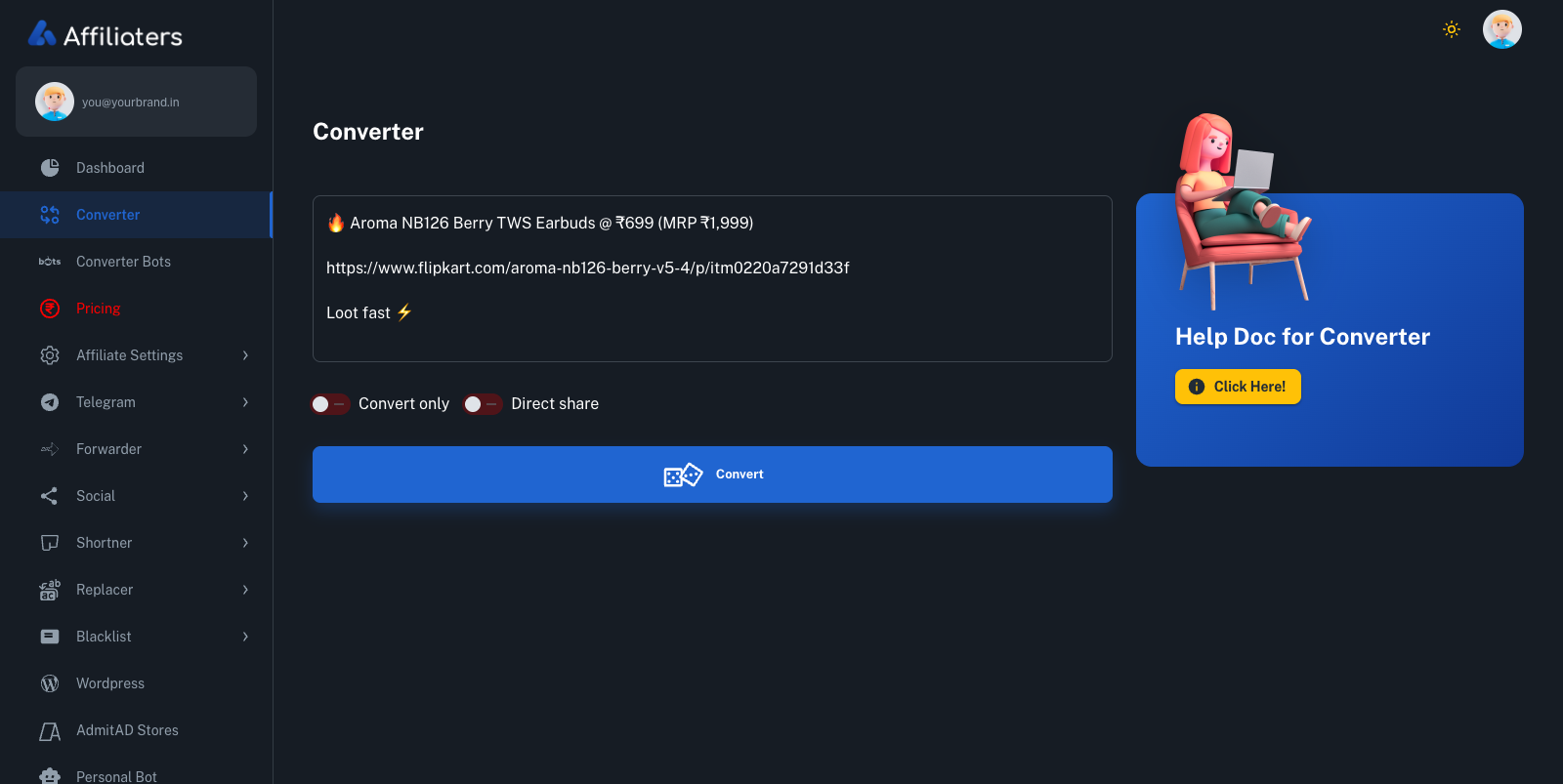
Flipkart affiliate link automation, end to end
If you run a deal channel, you already know the Flipkart ritual: spot a deal, open the product page, generate your affiliate link, shorten it, drop it back into the message, then forward the whole thing to every Telegram channel and WhatsApp group you manage. It works — until you're doing it forty times a day and the loot has moved on by the time you're done.
Affiliaters collapses that ritual into one step. Drop any message containing a
flipkart.com product URL or an fkrt short link into the
Link Converter, and it rewrites every Flipkart link with your own
affiliate ID, shortens it on your own domain (Bitly and Cuttly work
too), and shares the finished post to your Telegram channels,
WhatsApp groups, X (Twitter),
Facebook Pages and Discord. Pair it with the
Telegram Forwarder and you don't even need to be online — it watches your source
channels 24×7 and runs the convert-shorten-post cycle on its own, images included.
One thing we're upfront about: you need your own Flipkart affiliate account. Affiliaters is the automation layer, not a network sitting between you and your money. Your ID goes on every link, every commission tracks to your Flipkart dashboard, and we take no cut.
Shopsy counts too
Flipkart's social-commerce sibling Shopsy is one of the networks Affiliaters supports, alongside Amazon.in, EarnKaro, Admitad, Cuelinks and more. If your audience shops the Shopsy way — reseller prices, budget-first catalogues — those links convert exactly like regular Flipkart ones. No separate tool, no separate workflow. The full list lives on the networks page.
Amazon and Flipkart in the same message? Both convert.
Real deal messages are rarely loyal to one store. A typical loot post has a Flipkart link on top, an Amazon alternative below it, and sometimes a Shopsy option for the budget crowd. The Link Converter handles the whole message in one pass: every Amazon link gets your Amazon tag, every Flipkart link gets your Flipkart ID, and everything comes back shortened and ready to share. There's no "Flipkart mode" to switch on — send mixed, post mixed. The Amazon side of that story is on the Amazon automation page, and fashion drops have their own on the Myntra page.
Big Billion Days is where manual tagging collapses
On a normal Tuesday you can tag links by hand and survive. During Big Billion Days, you can't. Deals drop by the minute across every category, price errors appear and vanish before your chai cools, and every deal channel in India is racing to post the same loot first. If your workflow is open page → generate link → shorten → post, you are minutes behind the channels that automate — and on sale days, minutes are the whole game.
This is exactly the situation Affiliaters was built for. A single blast reaches every Telegram channel and WhatsApp group on your plan in seconds, and a deal picked up by the Forwarder typically lands on all your channels within seconds of the source posting it. You stay fast at 2 PM and at 2 AM, on day one of the sale and on day six — no extra hands, no lost sleep.
Plans that cover Flipkart from day one
Flipkart link conversion is included in every plan — what each plan adds on top is compared on the pricing page. Setup takes minutes — most of it just pasting in your affiliate IDs. Step-by-step guides are in the docs.
Your Flipkart ID on every link
Plug in your affiliate ID once. Every Flipkart and Shopsy link after that converts, shortens and posts itself — commission stays 100% yours.
Start automating →Questions first? Ask @AffiliatersHelpBot